
SEO Audit: Technical Site Audit
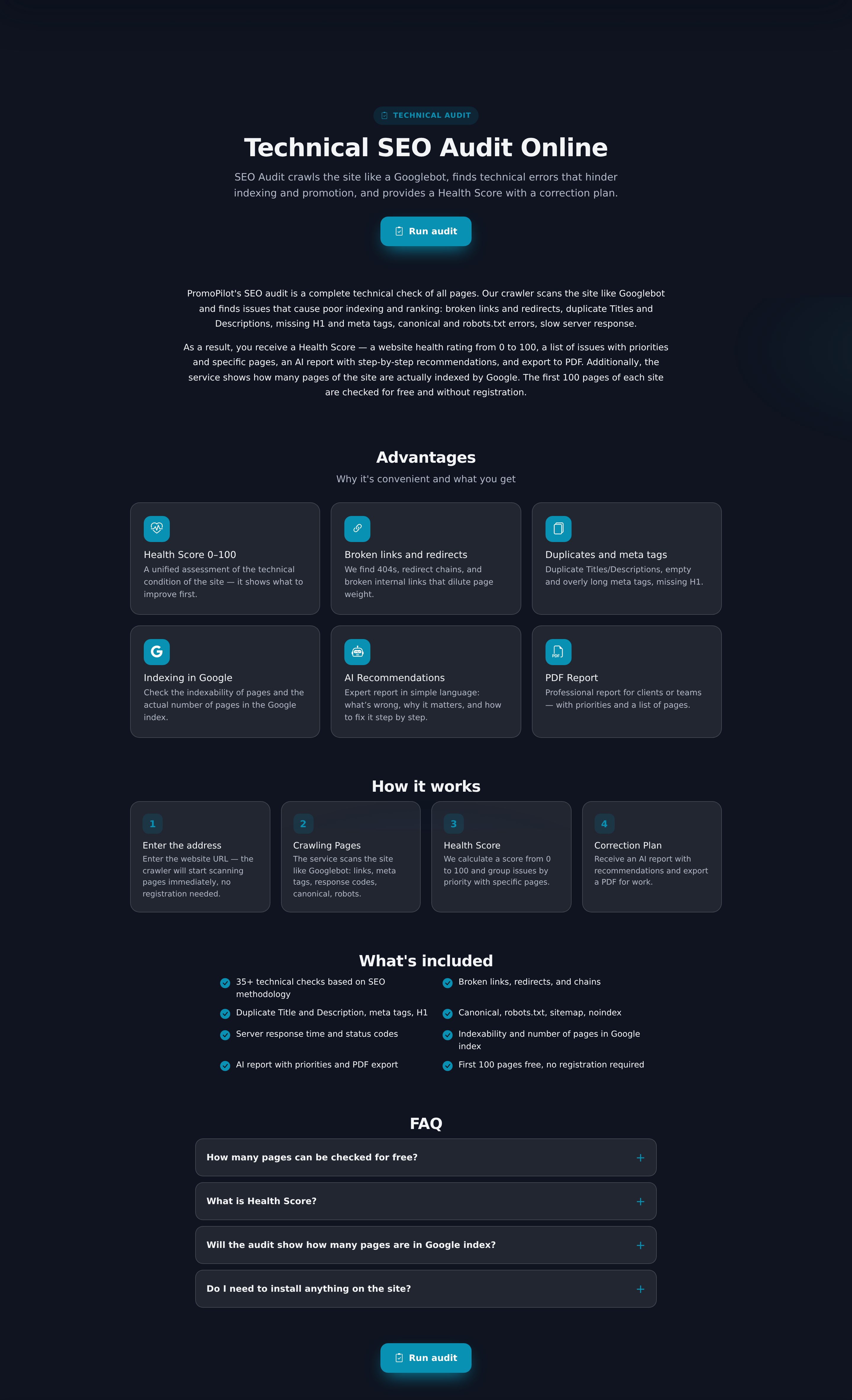
SEO Audit — a technical site audit service. It crawls pages like a search bot and collects issues that hinder indexing and ranking.
What is checked
| Category | Examples of issues |
|---|---|
| Indexing and crawling | 4xx and 5xx errors, redirects and their chains, pages closed from indexing, canonical and hreflang issues |
| Meta and markup | Duplicates and absence of title and description, multiple H1s, gaps in header hierarchy, images without alt |
| Content | Duplicates, too short pages, keyword stuffing |
| Performance | Slow and heavy pages, lack of compression, images without dimensions |
| Links and structure | Broken links, orphan pages, too deep nesting, excessive number of links on the page |
| Security | Mixed content, lack of HSTS |
Health Score
As a result of the crawl, the site receives a score from 0 to 100 and a list of issues prioritized. The score is not needed for itself, but for comparison: a repeat audit after fixes shows what has really improved.
It is calculated based on pages, not the number of issues: a page with an error counts as one, one with warnings — 0.4, and one with remarks — 0.1. The sum is divided by the number of crawled pages and subtracted from 100. More about the metric can be found in the glossary.
Crawling settings
You can set the depth and speed of crawling, choose which bot to present as, whether to consider robots.txt and sitemap, whether to crawl subdomains, and how to handle filter addresses. The latter is important for online stores: without restrictions, the crawler can drown in endless combinations of filters.
Express and full audit
| Express | Full | |
|---|---|---|
| Cost | free | prepayment based on site size estimate |
| Volume | up to a hundred pages | up to tens of thousands of pages |
| Limitation | several runs per day | one active crawl per project |
| Report | part of the data is hidden, no export | full list of issues with recommendations |
| Purpose | quickly assess the state and size of the site | working task list for the programmer |
How payment works
The express check of a small number of pages is available for free with a daily limit. The full crawl is paid in advance: the service estimates the size of the site based on the express results and names the price before starting. First, the free quota of the account is used, and the remainder is deducted from the main balance. Therefore, the first full audit cannot be started until at least one express has been done: there is nothing to assess.
Practical scenarios
- Before starting promotion. Check the target page and the path to it: is it indexed, is there a redirect, are there internal links. This is cheaper than figuring it out later in the article no result — what to do.
- After a move or redesign. The most common damage is lost redirects and sudden noindex on an entire section; the audit finds this in one crawl.
- Store with filters. Limit filter addresses and compare the number of crawled pages with the number of products: if the crawler found many more, the search is wasting budget on junk.
Frequently asked questions and mistakes
- “The crawler sees a block, but everything opens in the browser.” This is how hosting protection or Cloudflare responds. This is not a broken page: add the crawler to exceptions or enable crawling through a proxy.
- “Fewer pages found than exist.” Usually, the reason is in robots.txt, absence of internal links, or that the directory opens only via a script.
- “The score dropped, although nothing has changed.” Compare the number of crawled pages: if the crawler went deeper, weak service pages got into the sample.
- Audit is not a security check. Finding vulnerabilities and malicious code is the task of Shield, while positions for queries are handled by Rank Tracker.
First, fix errors that block pages from search: 4xx and 5xx, noindex, redirect loops. Then duplicates of title and content, and only then cosmetic issues like the length of the description.
Analysis of audit findings
What each category of checks means and in what order to fix the findings.
| Article | About |
|---|---|
| How to read the SEO Audit report | There are 53 checks in the catalog, three levels of importance, and six categories. |
| Audit: indexing problems and what they mean | Five out of nine audit errors live in this category. |
| Audit: meta tags and header problems | Eighteen checks out of fifty-three: Title, Description, header structure, alt for images, and microdata. |
| Audit: content and speed | Thin pages, duplicates, keyword stuffing, slow response, heavy HTML, and blocking scripts: eight checks, among which the real reason often hides… |
| Audit: interlinking and security | Broken links, orphan pages, depth of nesting, and mixed content. |