
Rank Tracker: position tracking
Rank Tracker is a separate service of the platform for tracking website positions in search. It works on the same account and balance as promotion.
What it does
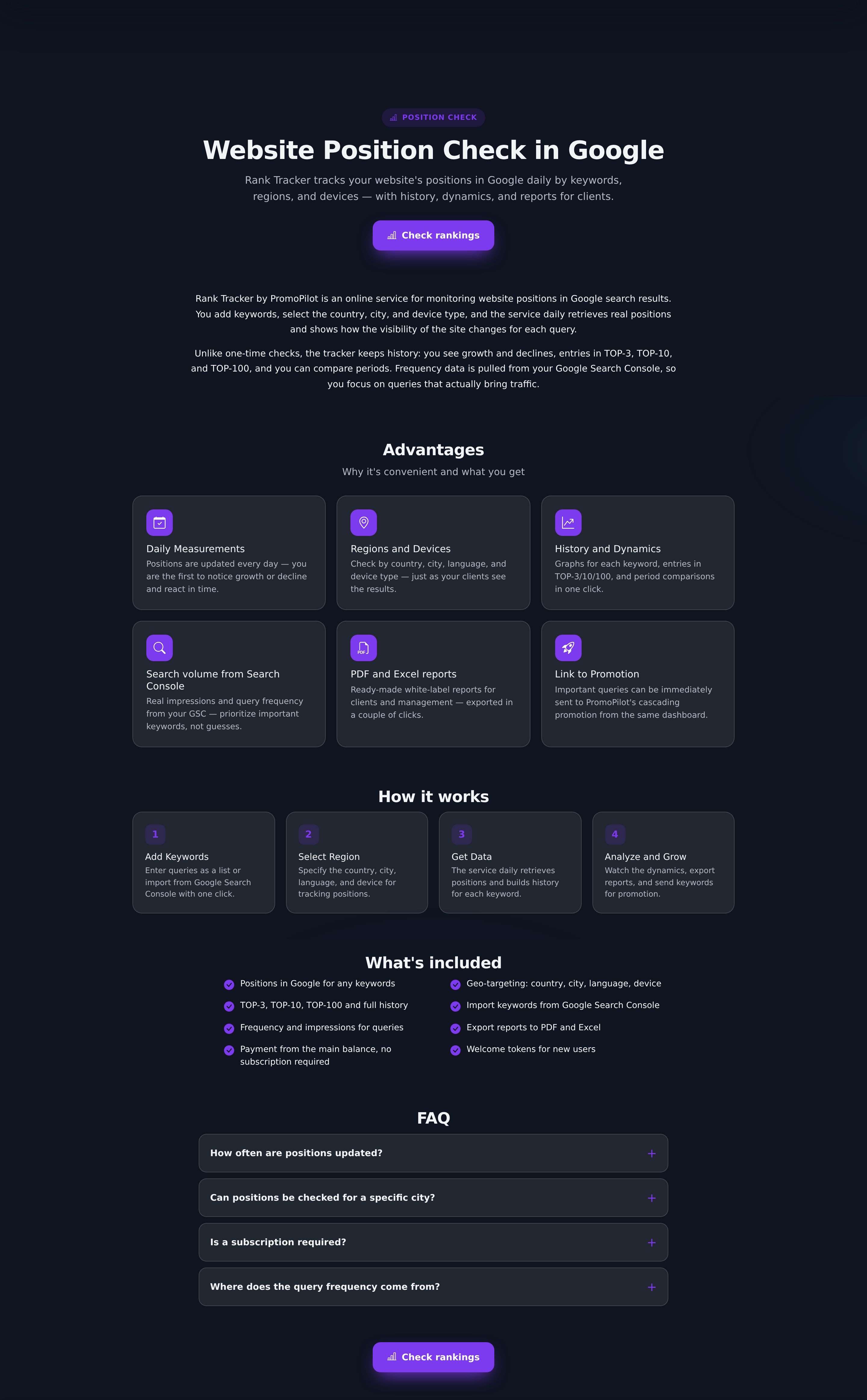
- Checks positions for your queries in the necessary regions and on the necessary devices.
- Shows dynamics: a graph for each query and a summary of "how many keywords in top-3, top-10, top-30".
- Groups queries into clusters and allows setting a position goal.
- Sends notifications when entering or exiting the top.
- Pulls frequency from Search Console if it is connected.
How it differs from 'Pulse'
'Pulse' shows the average position of the page for all its queries from Search Console — this is Google's data on how the page appears in the search results. Rank Tracker checks specific queries directly in the search, including those for which the page is not yet displayed. The first answers the question "how is the page moving overall", the second — "what position am I in for this keyword right now".
It is useful to keep both: see what 'Pulse' is and average position in the glossary.
How it is paid
Buying and exchanging tokens is disabled. The account has a free quota of checks — it is consumed first, and when it runs out, the cost is deducted from the main balance, the same one used for promotion payments.
The unit of consumption is one word in one combination of "region + device": desktop and mobile are two checks. The price depends on the depth: for top-30 you need to request three pages of results, for top-100 — ten. Deductions occur based on actual requests.
What affects consumption
| Parameter | Values | How it affects consumption |
|---|---|---|
| Tracking depth | from 10 to 100 positions, default 30 | Every 10 positions — a separate request for the results page |
| Regions | dozen countries plus "global" mode | Each region is checked separately |
| Devices | desktop, mobile | Each device — a separate check |
| Search engine | Google and others | The rate is set separately for each system |
| Frequency | manual, daily, weekly | How many times a month consumption will repeat |
| Project volume | up to 1000 keywords per project | Consumption is proportional to the number of words |
How to get started
- Create a project in Rank Tracker and specify the domain.
- Add queries — manually or by importing from Search Console.
- Select regions and devices.
- Run the first check and set up a schedule.
Practical scenarios
- Control after launching a cascade. Check positions for the main queries before the start — this is the starting point; then compare with it considering timelines.
- Website for multiple countries. One query in different regions gives different positions — keep regions as separate sets.
- Goal and notifications. Separate brand queries into a cluster, and set a goal and enable alerts for important keywords.
Frequently asked questions and errors
- “Different position in the browser”. Personal results take into account history and location, the tracker takes impersonal ones — a discrepancy of a couple of positions is normal.
- “Position not found”. The site is not within the selected depth — increase it, remembering that each results page costs a request.
- “Frequency is empty”. It is taken from Search Console — first connect it. Fluctuations of 2–3 points are normal noise: look at the trend.
If checks do not start
- The free quota has run out, and there are no funds on the balance — the check will not start. Replenish your balance.
- Frequency is set to “manual” — there will be no automatic checks, start them with the button.
- A long list is processed in a queue — results appear gradually.
- The domain is recorded differently than the real one (extra www) — the site is in the results, but the tracker “does not recognize” it. If positions are stable with live promotion, check the technique via SEO Audit.
Multiply before starting: words × regions × devices × number of checks per month. Daily checking of a long list simultaneously in several regions is a common cause of unexpected deductions.
More about position checks
Setting up tracking and reading dynamics without false alarms.
| Article | About |
|---|---|
| Setting up position checks: regions, devices, goals | What parameters determine tracking accuracy, how many queries to take into work, why numbers differ from Search Console, and how often it makes sense to check. |
| How to read position dynamics | What to consider noise and what to consider a signal, why a drop across all queries at once is usually not about your site, why to look at the summary of the tops and the two-week rule. |